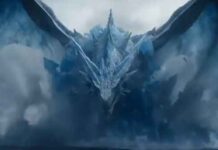
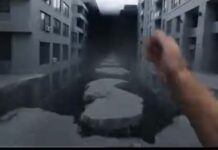
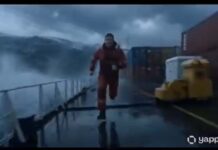
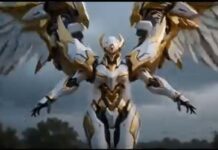
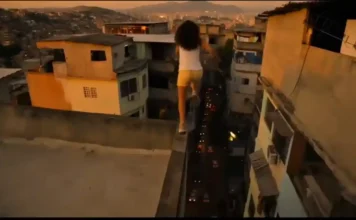
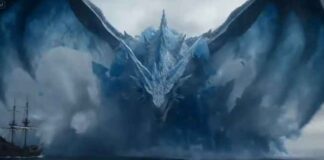
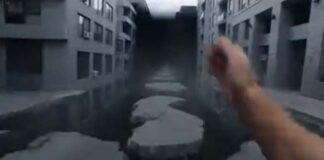
If you have seen the trending “Google Veo Teleported” videos on Instagram Reels or YouTube Shorts and want to create a similar video for your own channel, then you are in exactly the right place!
These days, it is the era of Text-to-Video AI. There are many powerful AI video generators available in the market right now—like Seedance 2.0, Kling 3.0, Runway ML, Google Veo 3, LTX 2.5, and Vidu AI—that can create cinematic videos just from the text you type. By using these tools, you can create amazing content for your faceless channel or meme page.
However, to make this specific viral video, we will use the best free AI tool: Google Veo 3.1. Copy the prompt given below and generate your own viral video!
How to Generate the Video (Step-by-Step)
- Go to the Website: First, visit the official website of [Tool Name] and sign in for free using your Google account.
- Select Text-to-Video: On the dashboard, click on the ‘Create’ or ‘Text to Video’ option.
- Paste the Prompt: Copy the prompt provided below and paste it into the prompt box. (Note: You can change the colors or characters in the prompt if you want).
- Choose Aspect Ratio: If you are making the video for Instagram Reels or YouTube Shorts, select the 9:16 (Portrait) ratio. If it is for standard YouTube videos, keep it at 16:9 (Landscape).
- Generate: Click the ‘Generate’ button and wait 1-2 minutes. Your high-quality AI video is now ready to download!
The Copy-Paste Prompt
(Copy the exact text below)
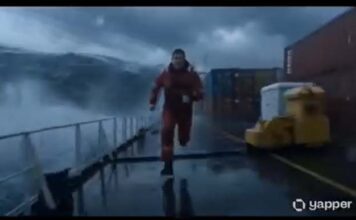
Prompt : A cinematic one-shot begins inside a silent grand museum at night. The camera moves toward a massive painting of a storm at sea. As it nears the canvas, the painted waves begin moving, and the frame transforms continuously without cuts: the painted ocean becomes real water flooding the gallery floor, the gallery becomes a ship deck in a hurricane, the sailcloth becomes desert tents, the tents become war banners on a battlefield, the banners become laundry lines in a sunlit village, the village walls become canyon cliffs, the cliffs become bookshelves in an endless library. Every transition must come from shared shapes and motion. A museum guard walks through all of it in disbelief, but the camera never leaves him. Frames become windows, windows become doorways, doorways become portals into new realities. Final transformation: the guard realizes he is now inside a painting, frozen in brushstroke texture, while museum visitors admire him from outside.
Gadget Gyani Pro Tip (For This Video)
To make this video look even more realistic, add extra details to the prompt like a “cracked mountain” “real skin texture” “wind” and “shoes with mud on the upper.”
For the background music, make sure to use trending Phonk or Lo-Fi audio on Instagram. This will help push your video into the algo