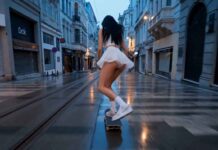
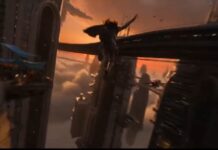
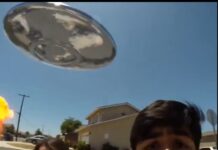
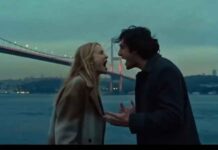
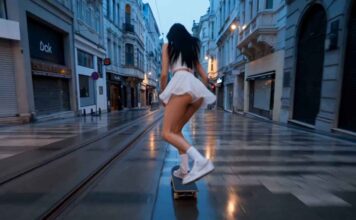
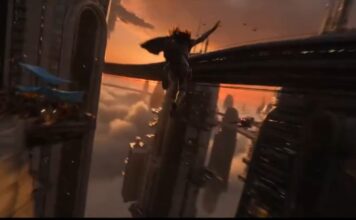
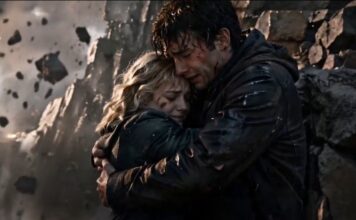
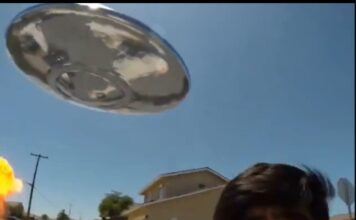
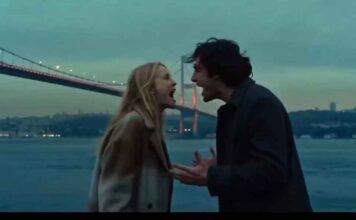
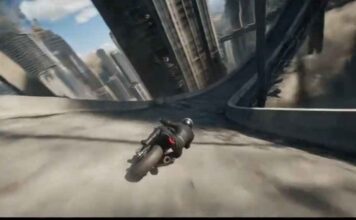
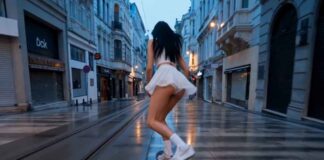
If you have seen the trending “Celebrity Sighting Scenario” videos on Instagram Reels or YouTube Shorts and want to create a similar video for your own channel, then you are in exactly the right place!
These days, it is the era of Text-to-Video AI. There are many powerful AI video generators available in the market right now like Seedance 2.0, Kling 3.0, Runway ML, Google Veo 3, LTX 2.5, and Vidu AI—that can create cinematic videos just from the text you type. By using these tools, you can create amazing content for your faceless channel or meme page.
However, to make this specific viral video, we will use the best free AI tool: Seedance 2.0. Copy the prompt given below and generate your own viral video!
How to Generate the Video (Step-by-Step)
1. Go to the Website: First, visit
OpenArt.ai (Free AI Video Generator)
and sign in for free using your Google account. OpenArt mein Seedance 2.0, Kling 3.0, or
Google Veo 3 — Its free.
Select Text-to-Video: On the dashboard, click on the ‘Create’ or ‘Text to Video’ option.
Paste the Prompt: Copy the prompt provided below and paste it into the prompt box. (Note: You can change the colors or characters in the prompt if you want).
Choose Aspect Ratio: If you are making the video for Instagram Reels or YouTube Shorts, select the 9:16 (Portrait) ratio. If it is for standard YouTube videos, keep it at 16:9 (Landscape).
Generate: Click the ‘Generate’ button and wait 1-2 minutes. Your high-quality AI video is now ready to download!
The Copy-Paste Prompt
⭐ GADGET GYANI RECOMMENDED TOOL
🎬 OpenArt.ai — Free AI Video & Image Generator
To create this video, we’ll be using OpenArt.ai — an all-in-one AI creator studio where top models like Seedance 2.0, Kling 3.0, and Google Veo 3 are all available in one place, completely FREE! Text-to-Video, Image Generation, Lip-Sync, Motion Sync — everything you need is right here.
🚀 Try OpenArt.ai for Free →✅ No Credit Card Required | ✅ Instant Sign-up with Google Account
(Copy the exact text below)
Unsteady handheld phone footage shot from [SHOOTER VANTAGE / SHOOTING POSITION] at [TIME OF DAY], [LENS/PHONE PHYSICAL POSITIONING DETAIL], producing [PRIMARY OPTICAL ARTIFACT, e.g. a faint smear of condensation fog, a smudge of fingerprint oil, a streak of rain] across the [FRAME LOCATION, e.g. lower quarter, right edge, top third] of the frame and intermittent [LIGHT FLARE TYPE, e.g. glare blooms, lens halation, prismatic streaks] from the [DOMINANT LIGHT SOURCE] reflecting back against the shooter’s phone camera, the image is flat, auto-white-balance toggling between [COLOR CAST 1, e.g. a cool blue cast] and [COLOR CAST 2, e.g. an orange-amber push] as [LIGHT MIXING SCENARIO, e.g. ambient street light mixes with interior glow], color entirely ungraded and slightly washed out.
Gadget Gyani Pro Tip (For This Video)
To make this video look even more realistic, add extra details to the prompt like a “sand on beach” “real skin texture” “wind” and “shoes with mud on the upper.”
For the background music, make sure to use trending Phonk or Lo-Fi audio on Instagram. This will help push your video into algorithm