Want to be the first person to wish “Happy New Year 2026” to your friends, but you also love your sleep? Or maybe you just hate typing the same “Happy New Year 🎊” message to 50 different aunts and uncles?

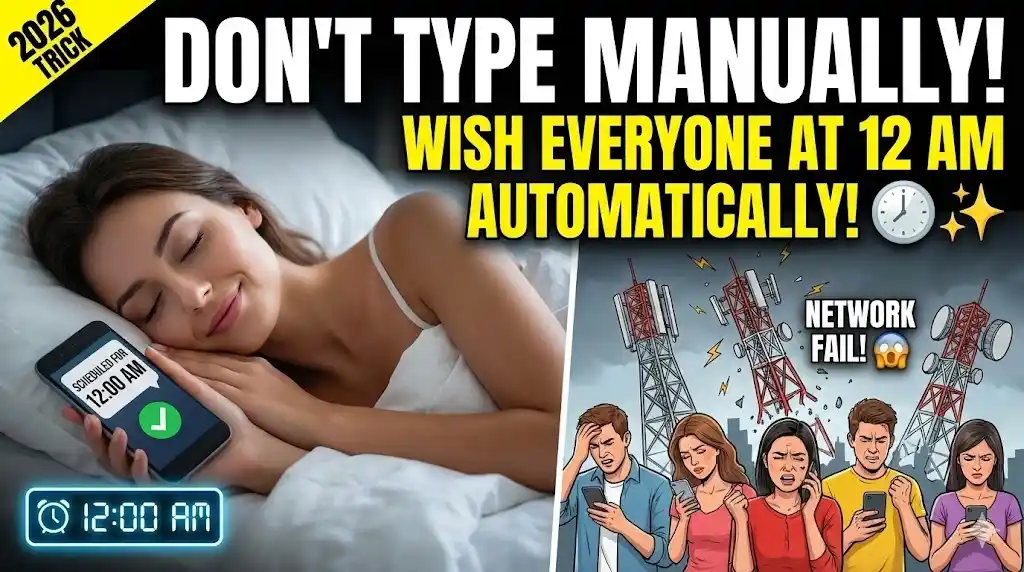
The Problem: At 12:00 AM tonight, the mobile networks will crash. Messages won’t deliver, calls won’t connect, and you will be frustrated. The Promise: As your Android Expert for Gadget Gyani, I will show you smart ways to Schedule Messages and create Unique AI Wishes that will shock your friends—while you are sleeping peacefully.
Trick 1: Schedule Your Wishes (Sleep Peacefully)
Why stay awake till 12 when your phone can do the work?
- For SMS (Built-in): Use Google Messages. Type your wish > Long press the ‘Send’ button > Select Schedule Send > Pick Jan 1, 00:00. The SMS will fly automatically.
- For WhatsApp (The Automation Hack): WhatsApp doesn’t have an official schedule button yet.
- Option A (Third Party): Use an app like SKEDit. You type the message, select contacts, and set the time. (Note: You need to remove screen lock for full automation, so use carefully).
- Option B (WhatsApp Business): If you use WA Business, go to Settings > Business Tools > Away Message. Set it to send “Happy New Year 2026! 🎆” automatically to anyone who messages you after 11:59 PM.
Trick 2: Create AI Stickers (Meta AI)
Stop forwarding those boring “Rose & Diya” images from 2015. WhatsApp now has a built-in AI artist.

- How to do it:
- Open any Chat.
- Tap the Blue Circle Icon (Meta AI) above the chat list.
- Type: “Imagine a futuristic Happy New Year 2026 sticker with neon fireworks and a cute robot.”
- Boom! A unique sticker is generated instantly. Send it and watch your friends ask, “Bhai yeh kahan se mila?”
Trick 3: The ‘Broadcast List’ (Wish 250 People at Once)
Do NOT create a “New Year Group”. People hate groups. Use a Broadcast List instead.
- The Steps: Open WhatsApp > Tap Three Dots (Menu) > New Broadcast.
- The Magic: Select up to 250 contacts (Family, Friends, Colleagues) and hit Create.
- The Result: Send one message here, and it goes to everyone as a Personal DM. They will think you typed it specially for them.
Trick 4: Post HD Status (Don’t Let It Blur)
You spent hours getting ready for the party, don’t let WhatsApp ruin your photo quality.
- The Mistake: Uploading directly from the Status tab often compresses quality.
- The Fix:
- Send the photo/video to “Message Yourself” chat first.
- Tap the “HD” button at the top before sending.
- Now, forward that HD photo to your Status. Crystal clear!
Spider Web: Smart Start to 2026
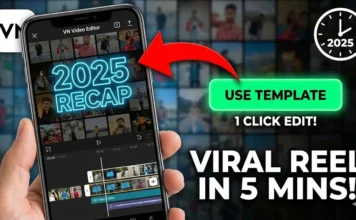
- Sending a Video Recap? Don’t post a boring slideshow. Edit it perfectly with our 2025 Recap Reel Tutorial.
- Network Slow at 12 AM? If messages are stuck, boost your speed using our Internet Speed Settings.
- Phone Full of Wishes? By Jan 2nd, your gallery will be junk. Clean it up with our Storage Cleaning Guide.
Conclusion
Start 2026 smartly, not harder. Use technology to automate the boring stuff so you can enjoy the party (or your sleep).
What is your New Year Resolution? “Gym Jaunga” or “Paisa Kamaunga”? Comment below!